Simulation-driven design.
Embossing, engraving and surface textures
Put a name, a logo or a pattern on the faces of your part, raised or engraved, and give the skin a texture. It is part of the same design as the lattice and comes out in the same file.
Open IMPLICIT Free, in the browser. No installation, no account to start.
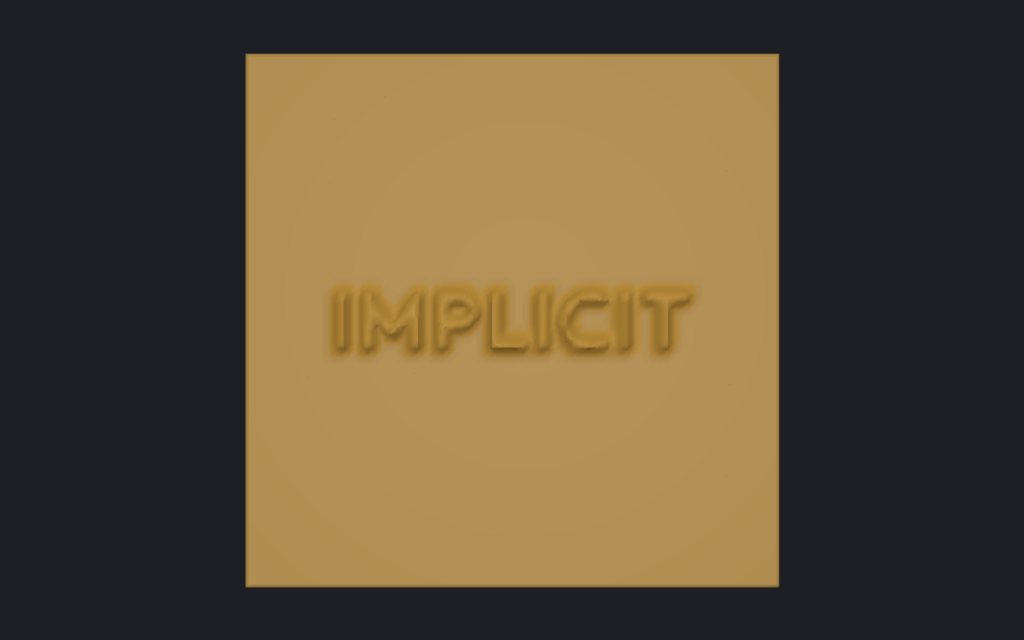
Emboss or engrave
- Text, up to 64 characters on up to 4 lines, in Outfit Bold.
- A pattern, or a greyscale image (PNG or JPG) where light is high.
- Raised or engraved, up to 10 mm, with smoothed edges, on faces you pick or along an axis.
- Up to 8 decals per part, which you can move, rotate and scale directly in the viewer.
Textures on the skin
A texture is cut into the outer side of the skin: diamond knurl, hexagons, Voronoi, dimples, ribs or an image tile, with a period, a depth and a rotation, projected from three sides or around a cylinder. The depth is kept within 60 % of the skin so the texture never breaks through to the lattice.
Follows the surface
The relief follows the actual surface under it, curved or sloped, as on the heel cup of an insole. Embossing and textures are Pro tools: you can design and preview them on any plan, and exporting them is Pro.
Frequently asked questions
Can I emboss my logo?
Yes, as a greyscale image: light areas come out raised (or engraved, if you invert it). Projects keep a reference to the image, so you choose it again when you reopen the project.
Does embossing work on curved faces?
Yes. The decal is projected along its normal and follows the surface under it; on a steep slope the drawing stretches, as any projection does.
Will a texture weaken the part?
It removes material from the skin, at most 60 % of its thickness. If the skin carries load, simulate the part.
Which font is used?
Outfit Bold, under the SIL Open Font License.
Can I engrave instead of emboss?
Yes. A negative height cuts the text, pattern or image into the part instead, up to 10 mm deep.
Open IMPLICIT Free, in the browser. No installation, no account to start.
What you can do with IMPLICIT
- Lattice generatorGyroid and other TPMS, beam cells, Voronoi and spinodal.
- Topology optimisationThe stiffest layout for the material you allow.
- FEA for 3D printingStress, displacement and safety factor in the browser.
- Custom insolesFrom foot size, pressure map or scan to a lattice insole.
- Graded latticesWall or cell size by stress, heat, image or pressure.
- EducationEvery Pro feature, free, for learning and research.